Step-by-Step Guides
How to Get Your Family's Digital Stories Out of Your Phone
A Simple Guide to Saving Text Messages and Emails — Preserving Digital Memories Step-by-Step.
iPhone Text Messages
There are a few main ways to extract iPhone texts, ranging from native workarounds to third-party software.
1Extraction Methods
Method 1 — Free but Manual
Scroll through and take screenshots, or forward individual messages to an email address. Best for short, specific conversations.
Method 2 — Using a Mac
Sync your iPhone messages to iCloud and access them via the Messages app on a Mac, where you can print entire threads to PDF.
Method 3 — Third-Party Software
Use desktop software like iMazing, AnyTrans, or iMobie to connect your phone via USB and export conversations directly to PDF or CSV. These tools preserve timestamps and sender metadata.
2Video Walkthroughs
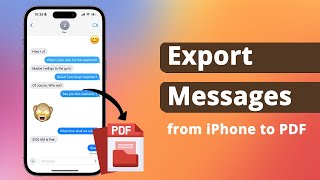
3 Ways to Export iMessages from iPhone to PDF
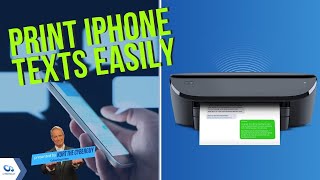
4 Ways to Print Out Your iPhone's Text Messages


▶ Videos are embedded from YouTube for educational purposes.
Ready to Upload?
Once you have your exported files, upload them into your Heritage Dossier project. Our archival engine handles the rest.
Create Your Heritage Dossier